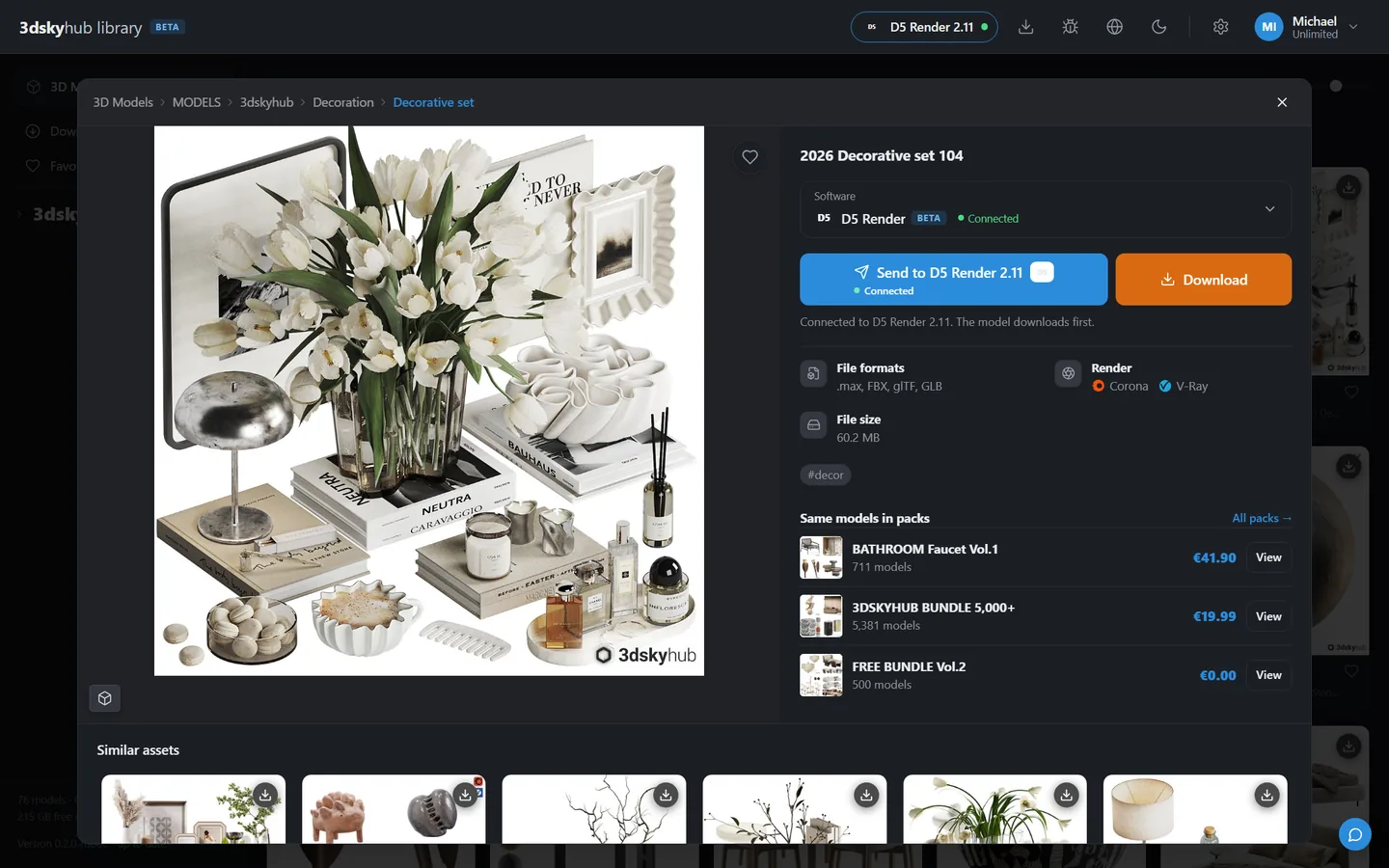

3D model library for D5 Render
Send models into D5 Render as GLB. The app presses Import for you. In beta.
- GLB / FBX
- Versions 2.11
- PBR
- Windows 10 / 11
We've just launched. Some things may fail — that's normal at this stage. If anything goes wrong, tell us and we'll fix it. Report a problem
How it works
Three steps, from the app to your scene
- 1
Pick D5 Render once
Open Connect software in the app and choose D5 Render. There is no connector to install: the app uses D5's own Import. Open D5 with a scene, because it needs one to import into.
- 2
Find the model you want
Search the library, or browse it newest first. Each model page lists the files it comes in, so you know what will reach D5 Render before you send it.
- 3
Send the model from the app
The model downloads as a GLB. D5 comes to the front for a moment while the app presses Import and fills in the dialog, and the model lands in your open scene.
What arrives in D5 Render
The file
GLB, with FBX as a fallback.
Materials
Standard PBR materials, not the V-Ray or Corona ones of the original file.
Textures
The textures travel inside the GLB.
Where it lands
Into your open scene, through D5's own Import.
Quick facts
- Versions
- 2.11
- File you receive
- GLB (FBX as a fallback)
- Materials
- Standard PBR materials, with their textures inside the GLB
- How it arrives
- The app imports it into D5 for you: nothing to install
- Operating system
- Windows 10 / 11
- Account
- A 3dskyhub account; free tier available
Questions about D5 Render
Why is it in beta?
It is one of the newest connectors and has been tested on fewer setups than the 3ds Max and Blender ones.
Do I install anything in D5?
No. The app presses D5's own Import button and fills in its dialog for you.
Why GLB?
In D5 Render 2.11 the GLB comes in with its textures and faster than FBX or glTF, which lose their external textures.
Which versions of D5 Render work?
D5 Render 2.11. The app relies on the position of D5's Import button, so a newer version can change it; version 3 is not tested yet.
Other software
The programs that work today, and the ones that come next.
- 3ds Max.max
- BlenderglTF · FBX
- SketchUpBetaGLB
- Cinema 4DBetaFBX · glTF
- MayaBetaFBX
- RhinoBetaFBX · GLB
- HoudiniBetaglTF · GLB
- RevitBetaglTF · GLB
- Unreal EngineBetaglTF · GLB · FBX
- UnityBetaFBX
- LumionBetaFBX
- GodotComing next
- OmniverseComing next
- KeyShotComing next
- ArchicadComing next
- TwinmotionComing next
- EnscapeComing next
- AutoCADSoon
- ZBrushSoon
Send models to D5 Render from the app
Install the app once, pick D5 Render and send your first model.